
Spot a suspicious message
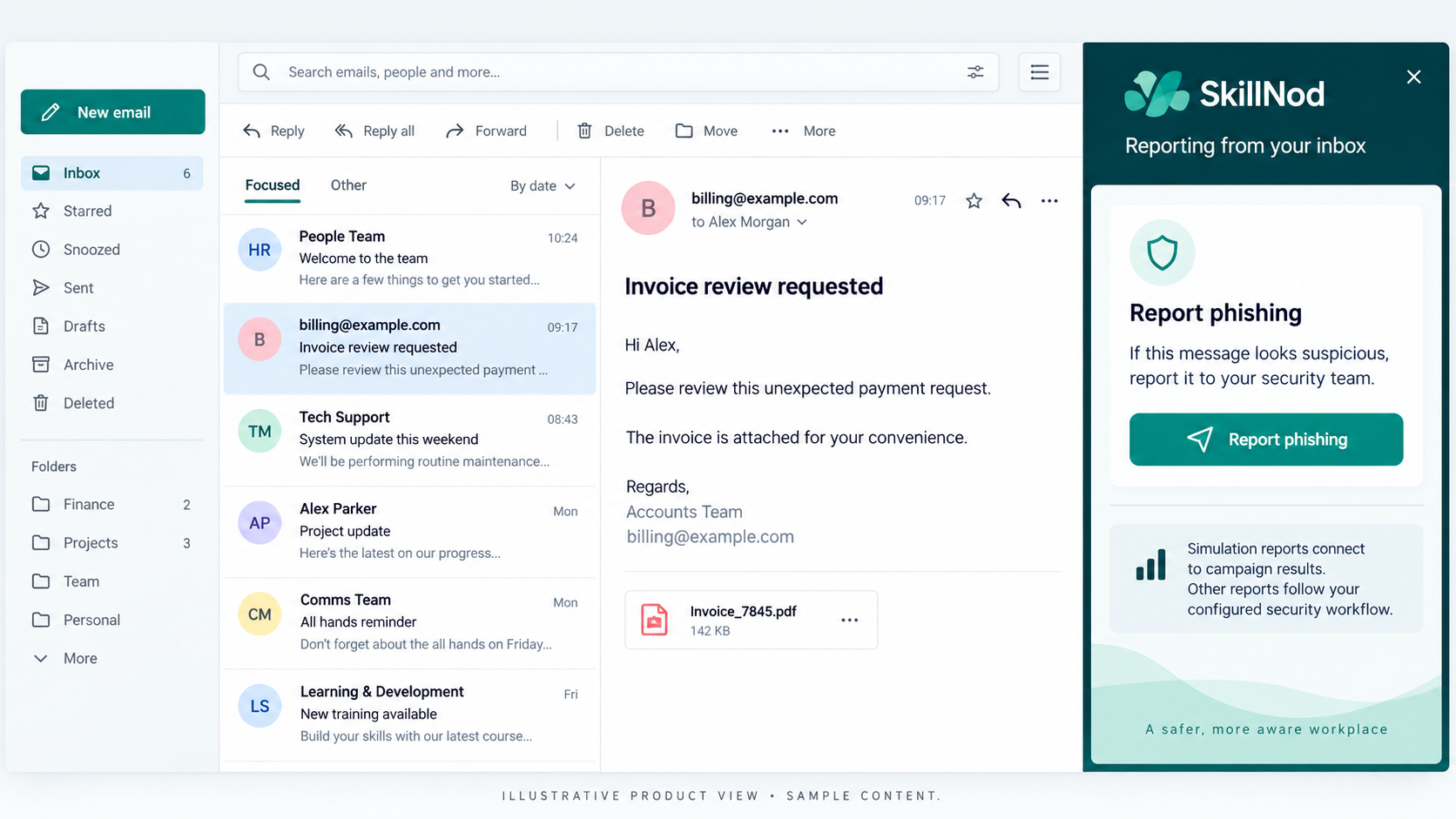
Employees open the Report Phishing add-in in their supported Outlook environment.
REPORT / OUTLOOK REPORTING
Give employees a clear way to report suspicious email from Outlook. Connect simulation reports with campaign outcomes and route other reported messages to configured security recipients.
HOW IT WORKS
A familiar reporting route helps employees take action when a message looks suspicious. SkillNod distinguishes simulation reporting from other reported messages so each can follow the configured workflow.
Employees open the Report Phishing add-in in their supported Outlook environment.
The add-in submits the report through the configured integration.
Simulation reports connect to campaign outcomes. Other messages follow configured security-recipient forwarding.
DESIGNED FOR THE WAY YOU WORK
Reporting a simulation becomes part of campaign activity, alongside other recipient outcomes.
Route other reported messages to the security recipients your organisation configures.
Discuss supported clients, Microsoft 365 permissions and add-in deployment before rolling out to employees.
A FEW USEFUL ANSWERS
Simulation reports connect to campaign results. Other reported messages are routed to configured security recipients when forwarding is correctly configured.
No. The workflow depends on your Microsoft 365 configuration and permissions.
LET’S CONNECT THE DOTS
Walk through the platform, explore the modules and discuss the integrations your organisation needs.