Target the assignment
Use smart groups to reach new joiners and the people who need required learning.
REACH / WINDOWS DESKTOP AGENT
Deliver onboarding assignments and awareness notices through the SkillNod Windows agent. Keep required learning visible and make it easy for employees to start their assigned training.
HOW IT WORKS
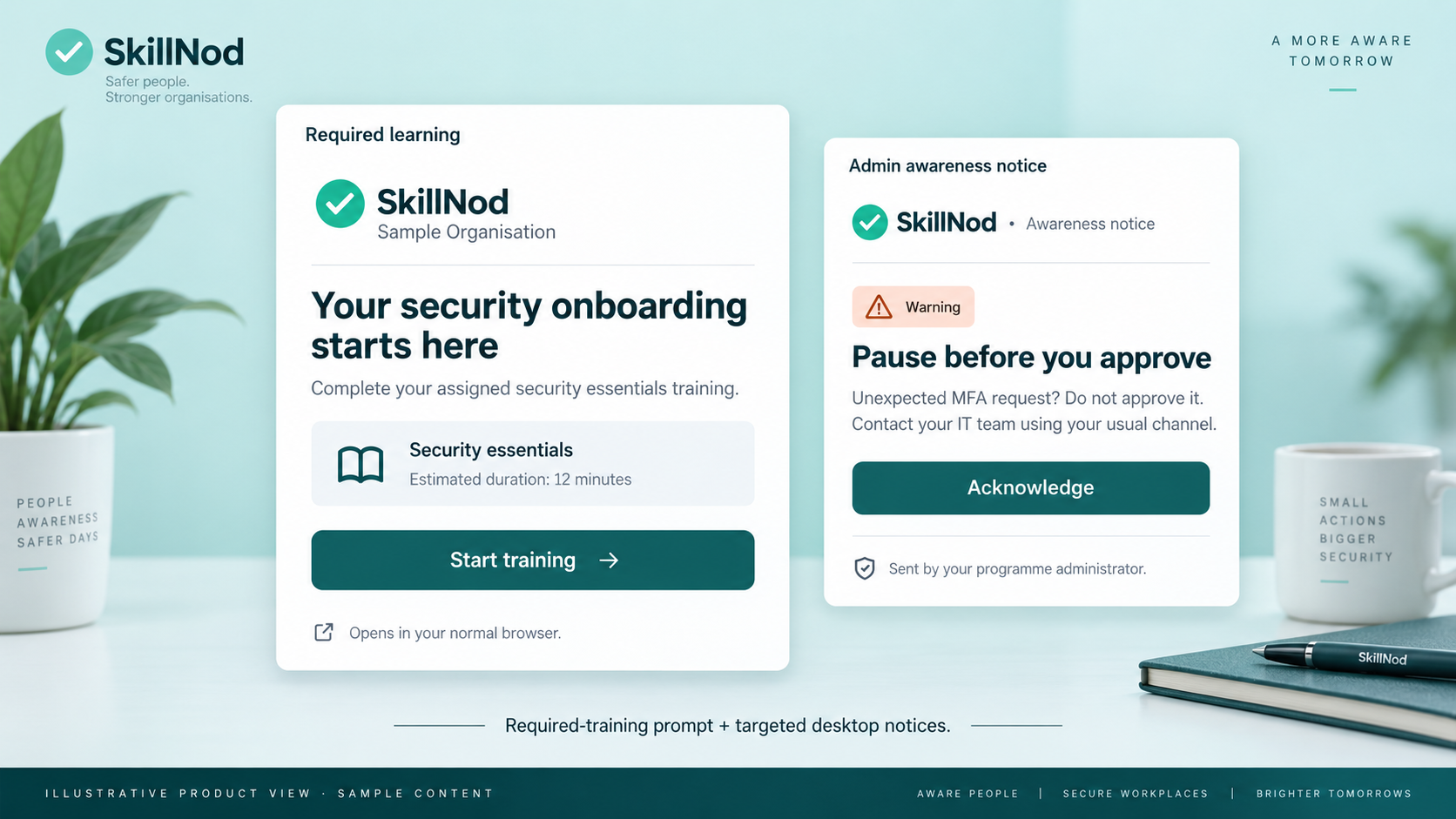
Target new joiners through smart groups and agent-delivered campaigns. The required-training prompt keeps the assignment visible, then hands learning to a normal browser window.
Use smart groups to reach new joiners and the people who need required learning.
The active prompt has no close, minimise or resize controls. Ordinary closing is prevented while it is active.
Starting training hides the prompt and opens a normal browser. The server confirms assignment completion.
DESIGNED FOR THE WAY YOU WORK
Push awareness notices to all users or selected groups. Configure the title, message and severity to fit the communication.
Set display duration, automatic dismissal or a minimum reading time. Track acknowledgements to understand who has responded.
Roll out the Windows MSI through managed deployment processes, including Microsoft Intune and Group Policy.
A FEW USEFUL ANSWERS
No. The current agent uses assignment prompts and browser handoff. It does not lock down the operating system.
The active required-training prompt has no close, minimise or resize controls and prevents ordinary closing. Starting training hides it and launches a normal browser window.
Yes. Send to all users or selected groups, configure severity and timing, and track acknowledgements. Notices reach connected devices as the agent checks for updates.
LET’S CONNECT THE DOTS
Walk through the platform, explore the modules and discuss the integrations your organisation needs.