
Connect Microsoft signals
Configure the required Graph permissions and available Entra and Microsoft 365 sources.
INVESTIGATE / SENTINEL ITDR
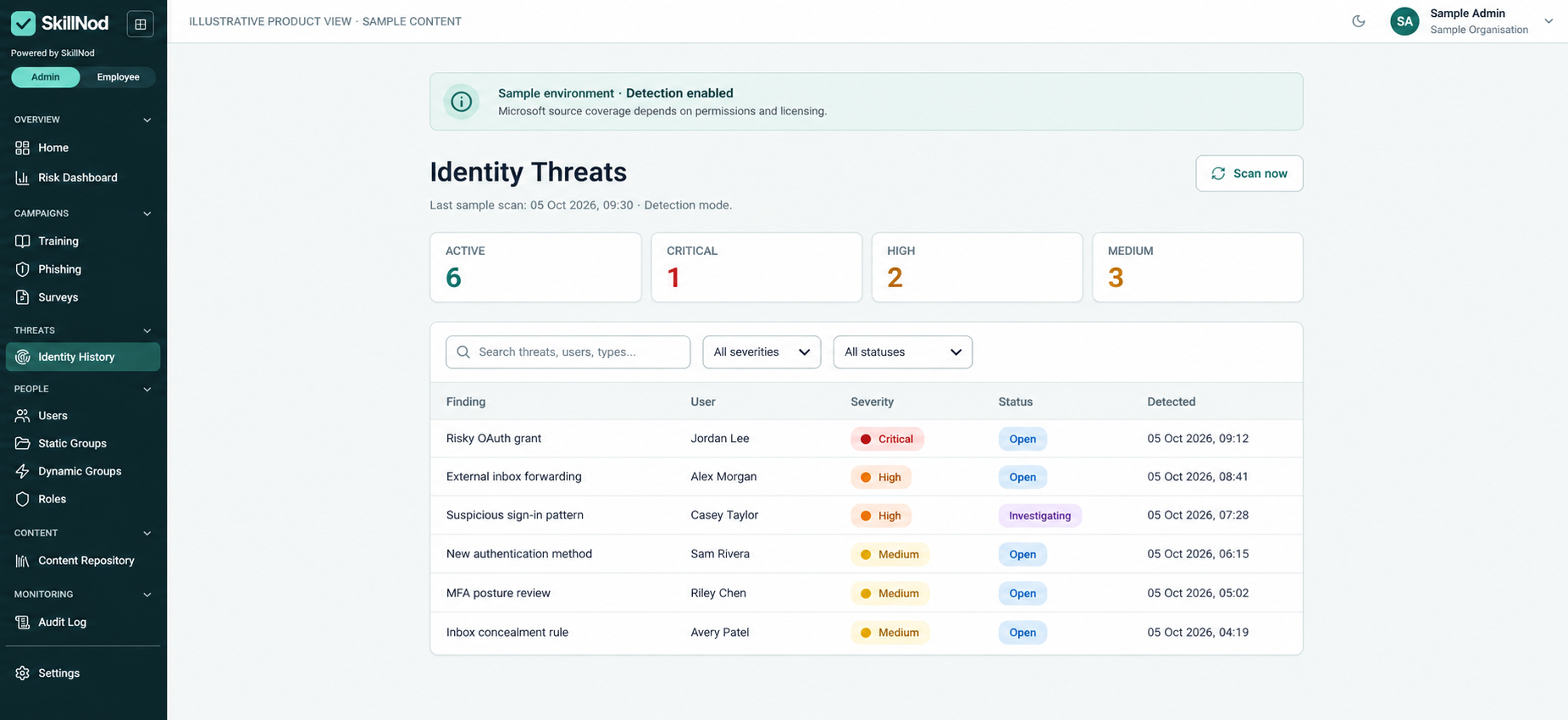
SkillNod Sentinel connects Microsoft Entra and Microsoft 365 identity signals with human-risk context, helping security teams investigate findings and configure supported response actions.
HOW IT WORKS
Sentinel is a separately enabled additional module for Microsoft identity environments. Start with detection and investigation, then enable supported technical response actions individually.
Configure the required Graph permissions and available Entra and Microsoft 365 sources.
Review suspicious activity alongside available behavioural and human-risk insights.
Use manual review and configurable automation for supported technical actions.
DESIGNED FOR THE WAY YOU WORK
Review suspicious sign-in patterns, including impossible travel where the necessary logs are available. Entra ID Protection coverage depends on licensing and permissions.
Detect risky OAuth grants, suspicious external forwarding or concealment rules, MFA posture and newly registered authentication methods.
Supported actions include revoking sessions, disabling accounts, requiring password resets, deleting suspicious inbox rules and revoking OAuth grants. Permissions and configuration govern availability.
A FEW USEFUL ANSWERS
Sentinel is an additional module enabled separately for Microsoft Entra and Microsoft 365 environments.
No. Microsoft licensing, Graph permissions, log availability and configuration determine coverage.
Yes. Detection is the default. Supported technical actions can be enabled individually, with manual review and configurable automation.
LET’S CONNECT THE DOTS
Walk through the platform, explore the modules and discuss the integrations your organisation needs.